
Accessing OPCEvents using UaExpert client
This article will show you few simple steps how to access the OPCEvents stored in ABB Ability™ History from UaExpert client using RTDBOPCUA Server. For more details about UaExpert client, refer to the Link.
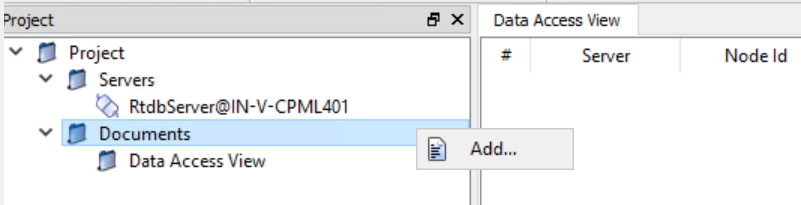
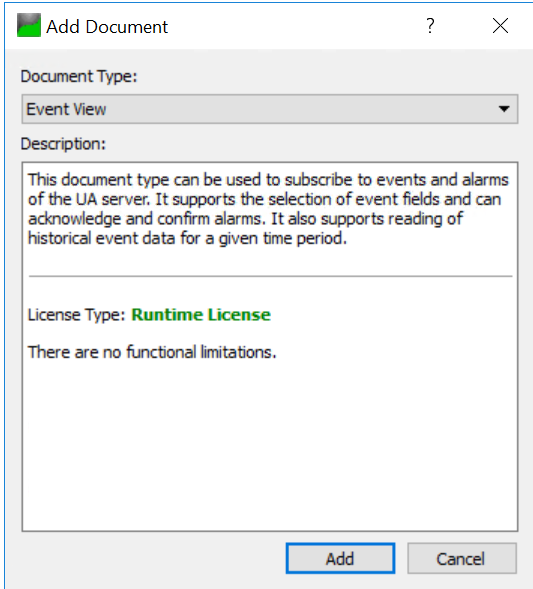
- After connecting RTDBOPCUAServer from UA Expert, Select Documents -> Rightclick -> Add -> Event View and click Add.
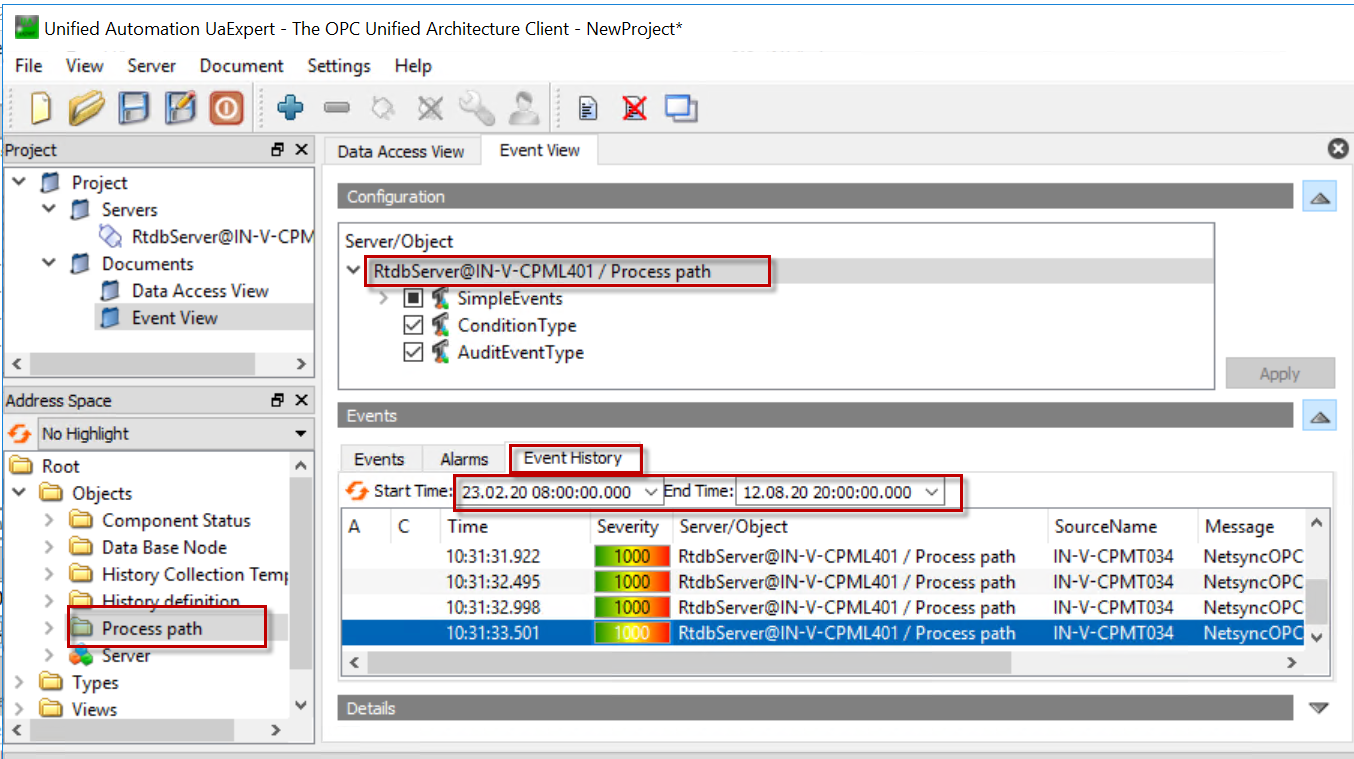
- Drag and drop the “Process Path” folder to "Configuration" to get all events.
- Lastly, from the “Event History” tab provide the Start time and End time and then press the refresh button to see the event.
Updated 9 months ago