
Designing a Dashboard
ABB Ability™ History View enables you to create interactive user interfaces.
Introduction
The ABB Ability™ History View tool enables creation of interactive user interfaces and dashboards. This series of pages provides instructions on how to construct a dashboard, what kind of features the dashboard editor provides, as well as presents principles for a good dashboard design.
Content
- On this page, we present some user interface and user experience design considerations for your dashboards.
- On this page, we explain how to use the dashboard editor.
- On this page, we present the most common widgets you can use on your dashboards.
- On this page, we present features you can utilize to make your dashboard interactive.
Tutorials
Dashboard step-by-step tutorial
- In this tutorial we show step-by-step how to construct dashboards using our widgets and dashboard tools.
- In this tutorial we show how to create a simple trend with just a few steps.
Creating a custom edit dialog tutorial
- In this tutorial we will show how you can create a dashboard to function as a custom edit dialog, instead of using the standard property editor for editing and creating class instances.
Dashboard Commit Actions tutorial
- In this tutorial we will show you how dashboard Commit Actions allow you to create or update class instances or update current values for variables.
Formatted Datalist configuration options
- In this section we will go over the most important configuration option for the Formatted Datalist.
Context passing between dashboards
- This tutorial will give a simple example of how context may be passed between main and sub-dashboards.
- This tutorial shows how to use scripting in view Dashboards.
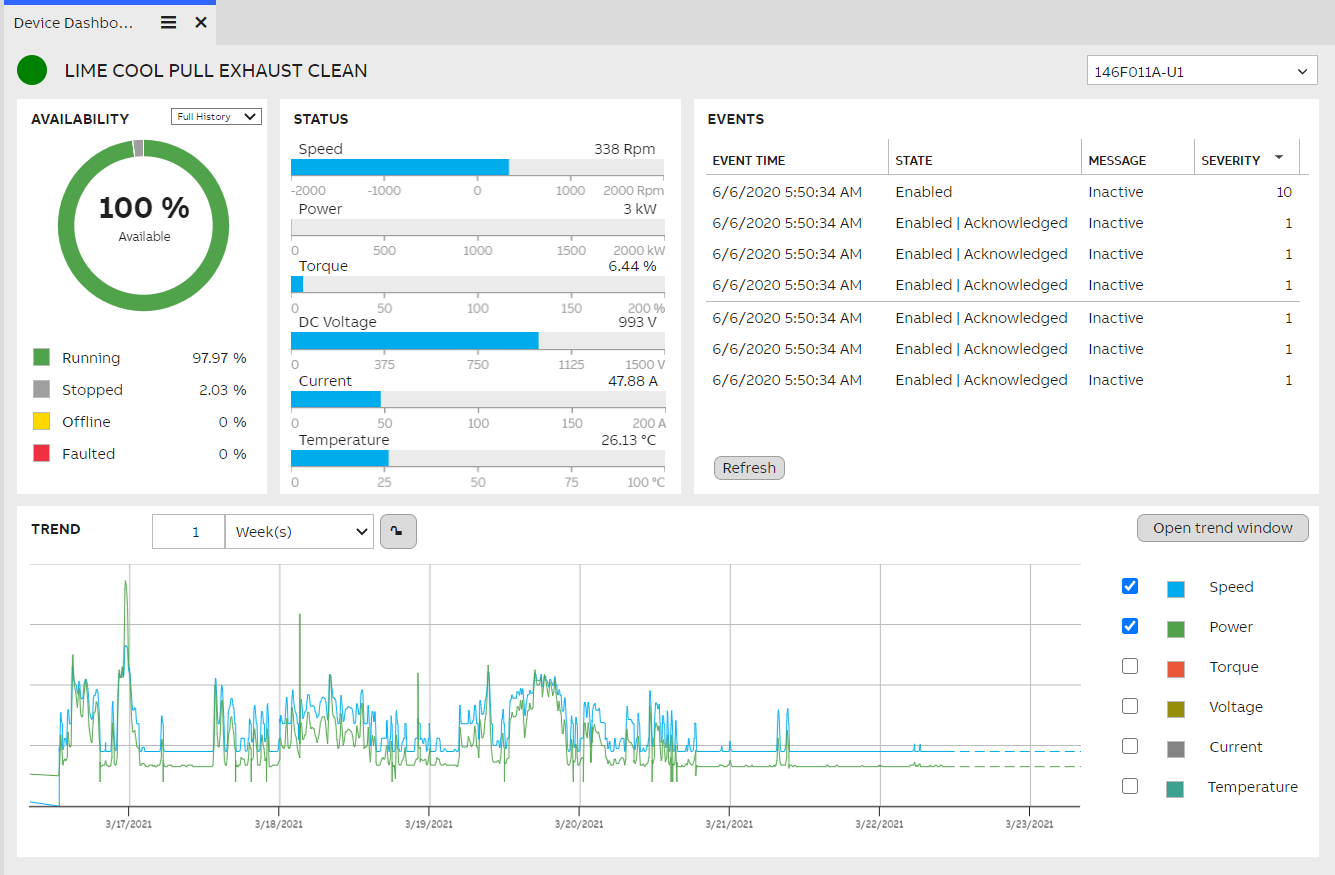
A dashboard built in View, consisting of a wide variety of widgets.
Updated 9 months ago