
Monitor database size
Engineering UI provides an easy way to monitor your database size and this article will guide you through how to do it on Engineering UI.
First, navigate yourself to Diagnostics -> on the System Performance. This opens a dashboard, where all relevant performance data is displayed. You can find the database size as the second lowest trend on the left side of the monitor.
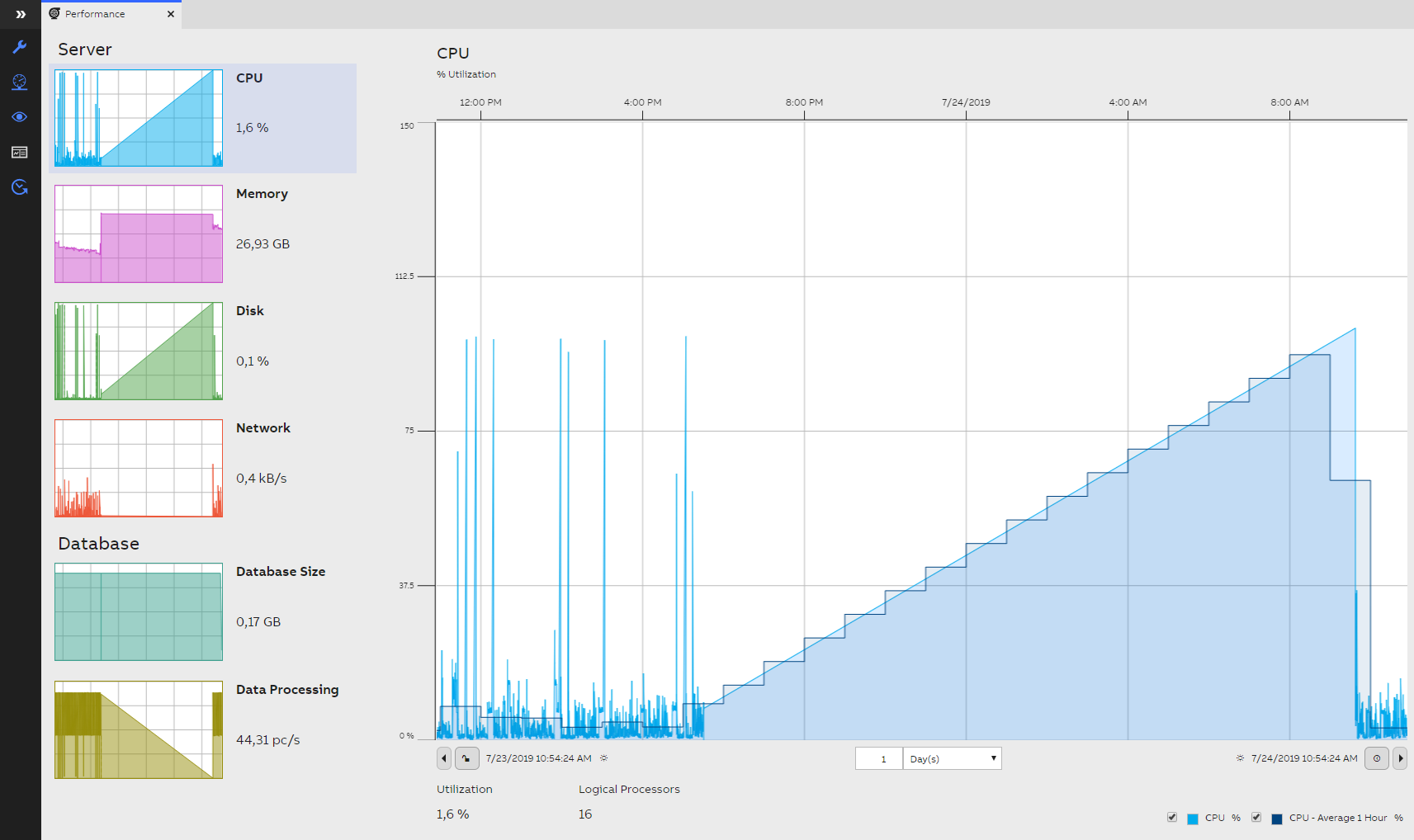
System Performance monitor
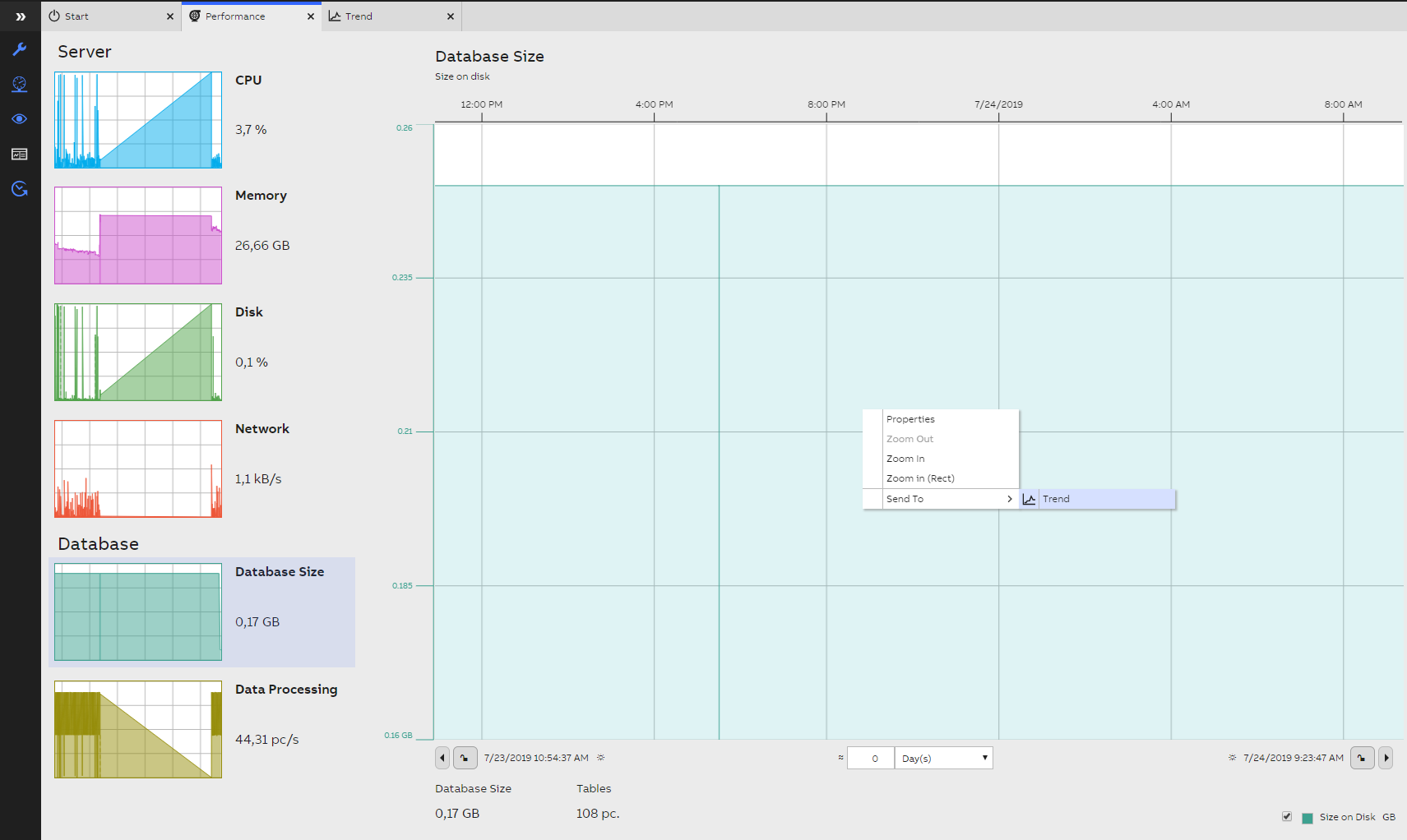
Next, you want to send the data from database size to a separate trend chart. Click "Database Size" thumbnail, and right click on the trend chart on the right. Choose "Send to" and then click on "Trend".
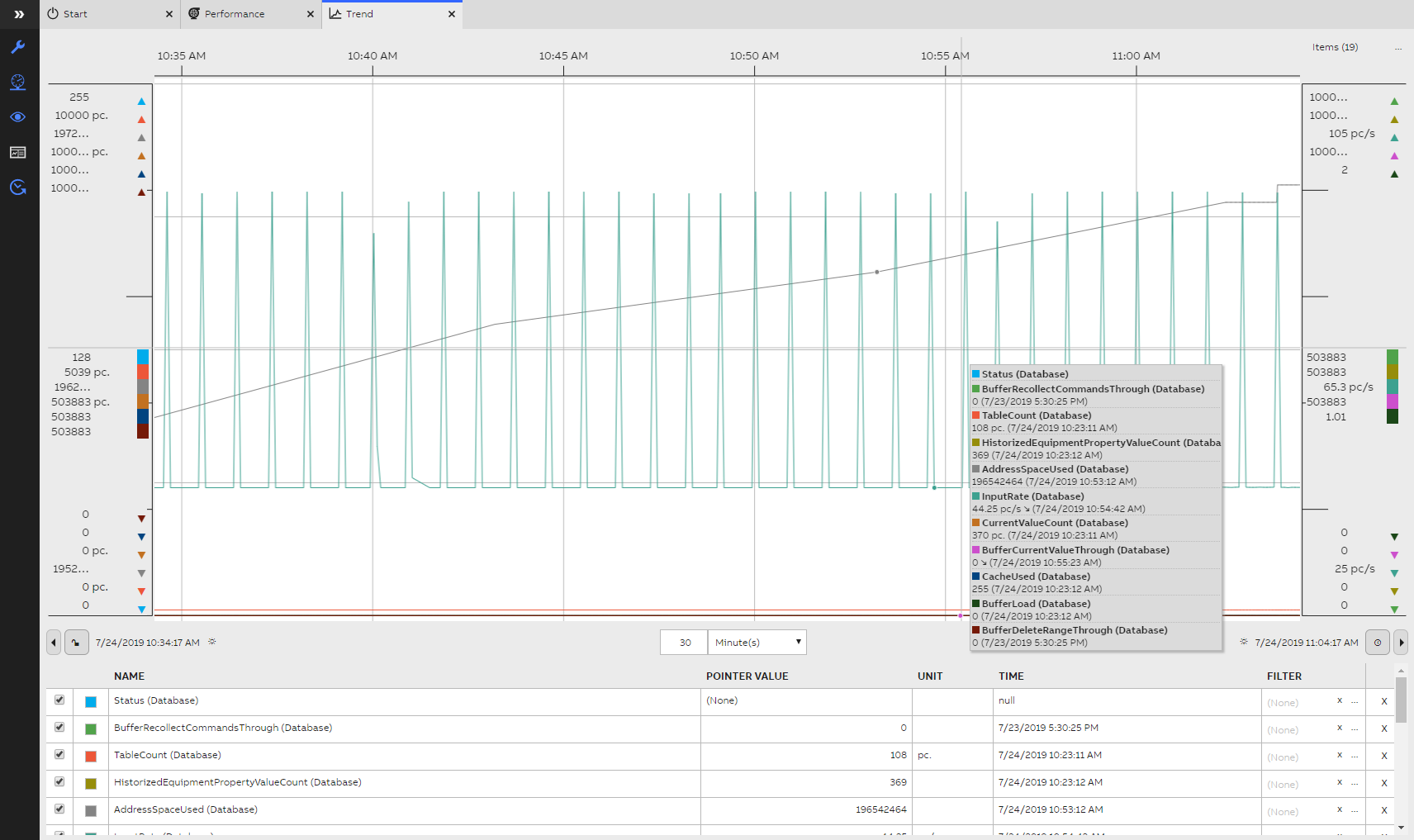
Now a new trend dashboard opens that shows the main properties.
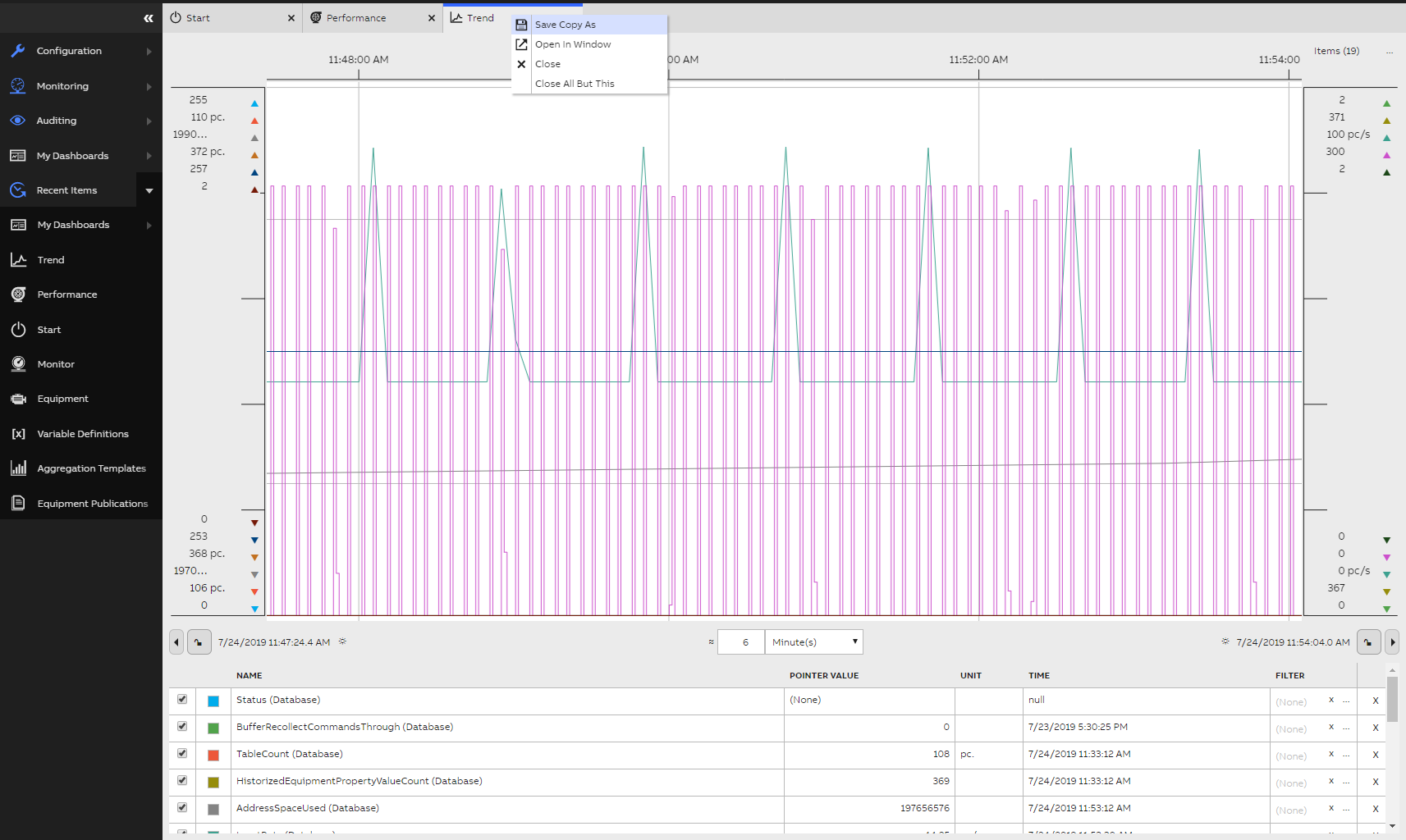
You can save this monitoring dashboard by right clicking "Trend" tab, and choosing "Save Copy As". Name the dashboard as wished and press OK.
Updated 9 months ago